Overview
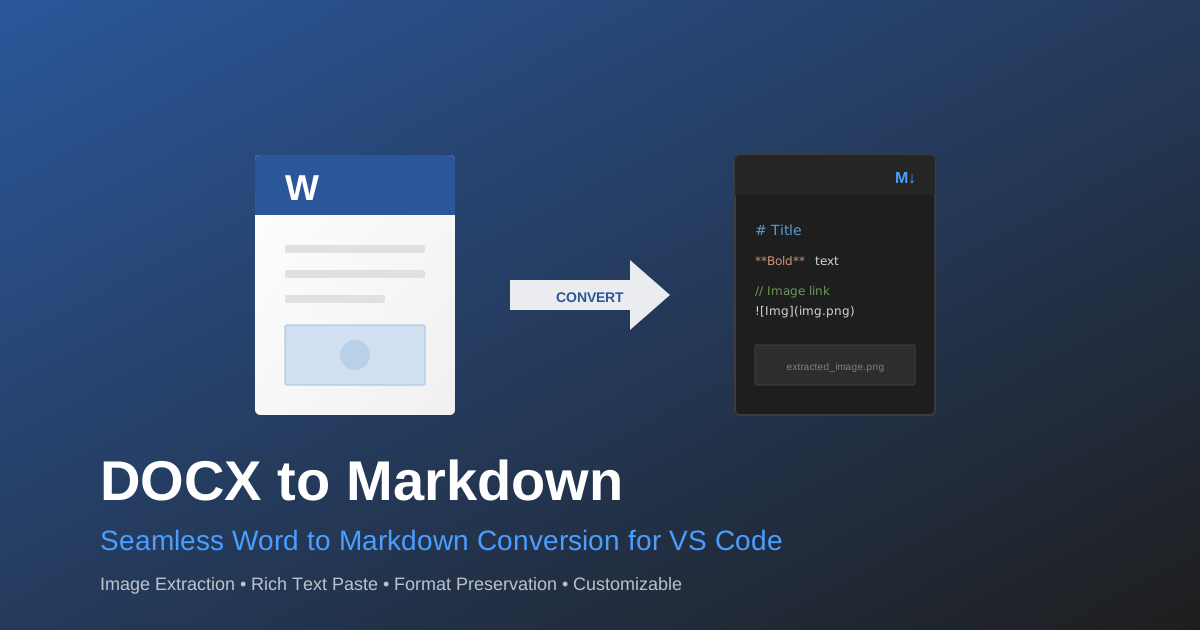
DOCX to Markdown Converter is a VS Code extension that streamlines the process of converting Microsoft Word documents (.docx) to clean, formatted Markdown. It automatically extracts images and preserves document structure, making it an essential tool for developers and technical writers who need to migrate content from Word to Markdown-based workflows.
Key Features
🔄 Convert DOCX Files
Right-click any .docx file in the Explorer and select “DOCX: Convert to Markdown” to:
- Convert the document to clean Markdown format
- Extract embedded images to a dedicated folder
- Preserve headings, paragraphs, lists, tables, bold, italic, and links
📋 Paste from Word
Use the “Paste as Markdown (from Word)” command to:
- Open a paste capture panel
- Paste rich content copied from Word (or any rich text source)
- Convert to Markdown with images saved automatically
⚙️ Customizable Settings
Configure the extension behavior through VS Code settings:
| Setting | Description | Default |
|---|---|---|
outputFolderStrategy | Where to place output files (sameFolder or subFolder) | sameFolder |
imagesFolderName | Pattern for images folder name (supports {docname}) | {docname}_images |
imageFileNamePattern | Pattern for image filenames (supports {index}) | image-{index} |
overwriteBehavior | How to handle existing files (prompt, overwrite, skip, rename) | prompt |
pasteTarget | Where to paste content (newFile or currentEditor) | newFile |
openAfterConversion | Automatically open the generated file | true |
showNotifications | Show success/error notifications | true |
Usage
From Explorer Context Menu
- Right-click a
.docxfile in the Explorer - Select “DOCX: Convert to Markdown”
- The Markdown file and images folder will be created alongside the original document
From Command Palette
- Press
Cmd+Shift+P(macOS) orCtrl+Shift+P(Windows/Linux) - Type “DOCX: Convert to Markdown”
- If no file is selected, a file picker will open
Paste from Clipboard
- Copy content from Microsoft Word
- Press
Cmd+Shift+P(macOS) orCtrl+Shift+P(Windows/Linux) - Type “Paste as Markdown (from Word)”
- Paste into the webview panel
- Click “Convert to Markdown”
Supported Content
The extension handles:
- ✅ Headings (H1-H6)
- ✅ Paragraphs
- ✅ Bold, italic, underline
- ✅ Ordered and unordered lists
- ✅ Tables (GitHub Flavored Markdown)
- ✅ Links
- ✅ Images (PNG, JPEG, GIF)
- ✅ Strikethrough
Known Limitations
- Complex table formatting may be simplified
- EMF/WMF images from Windows are converted to PNG
- Some advanced Word features (comments, track changes) are ignored
Examples
Before (Word Document)
A Word document with:
- Formatted text
- Embedded images
- Tables
After (Markdown + Images)
document_name.md          # Clean Markdown file
document_name_images/     # Extracted images
  ├── image-001.png
  ├── image-002.jpeg
  └── image-003.png
Requirements
- VS Code 1.85.0 or later
- No external dependencies required
Release Notes
0.1.0
- Initial release
- DOCX to Markdown conversion
- Image extraction
- Clipboard paste support
- Customizable output settings
Credits
Built with:
- mammoth: DOCX to HTML conversion (BSD-2-Clause)
- turndown: HTML to Markdown conversion (MIT)
- turndown-plugin-gfm: GFM support (MIT)
License
This extension is licensed under the MIT License.